AI Product / Design Tool
Huesta
A zero-login design tool that generates complete UI kits — colour palettes, typography, and layout — from a keyword, a conversation, or a reference image.
My Role
Product Designer / UX
Type
Design Tool (Concept)
Stack
Figma · Claude API · React
Status
In Development
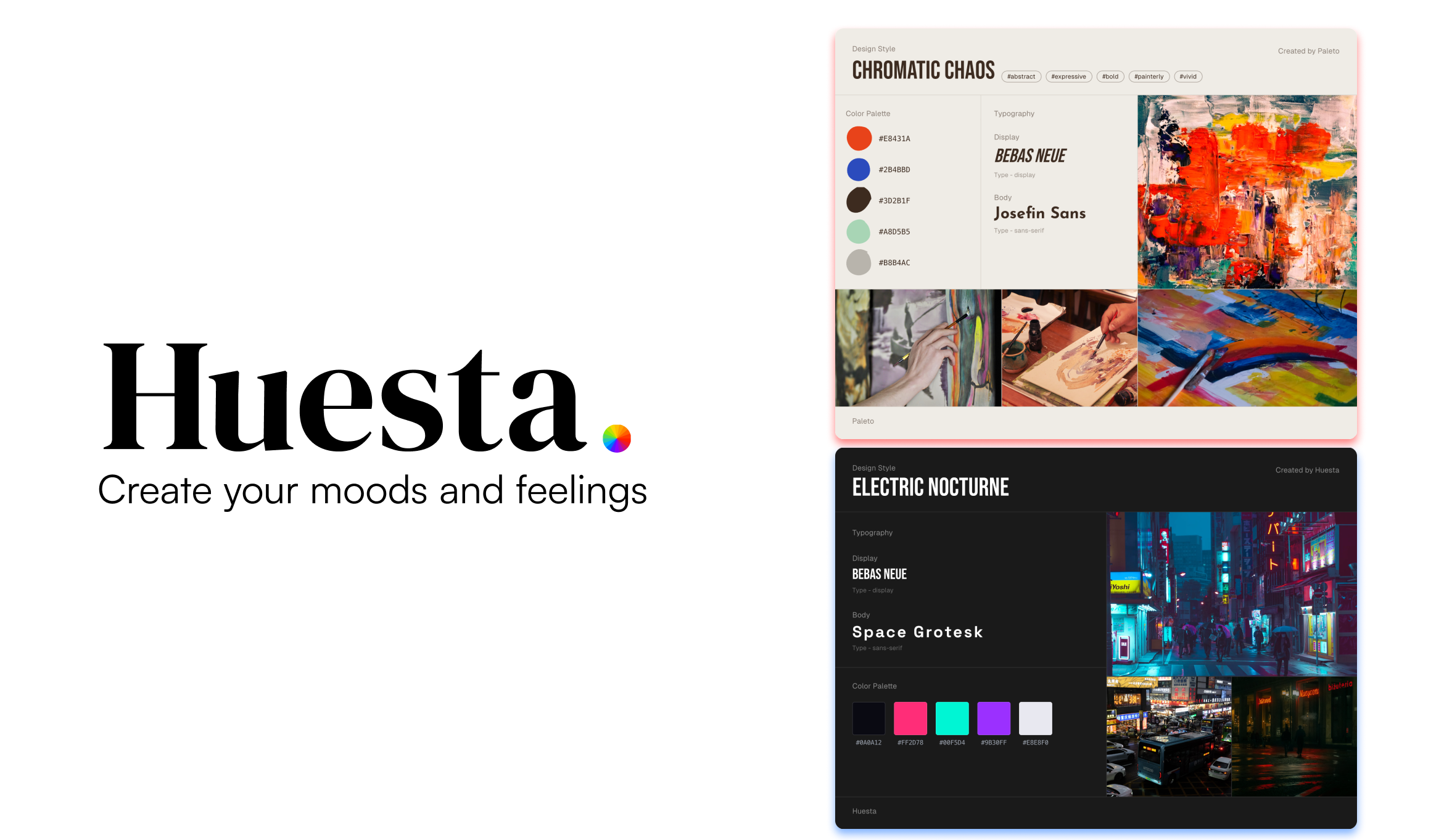
The Problem
The login wall that kills creative momentum.
Every designer knows the feeling: you're starting a project and you need references, a colour direction, a vibe. So you open Pinterest, Behance, Coolors, Google Fonts. You find one, like it, and the first thing you see is a login wall. You close the tab. That moment of friction kills creative momentum.
The Solution
Huesta
Existing tools are either too complex or too generic. There was nothing in the middle. Something fast, visual, and shareable that respected your time and let you just start. No account needed to create. No setup. Just input a vibe and get something back in seconds.
Design Process
Before writing a single line, two distinct card layouts were sketched out in Figma as wireframes.
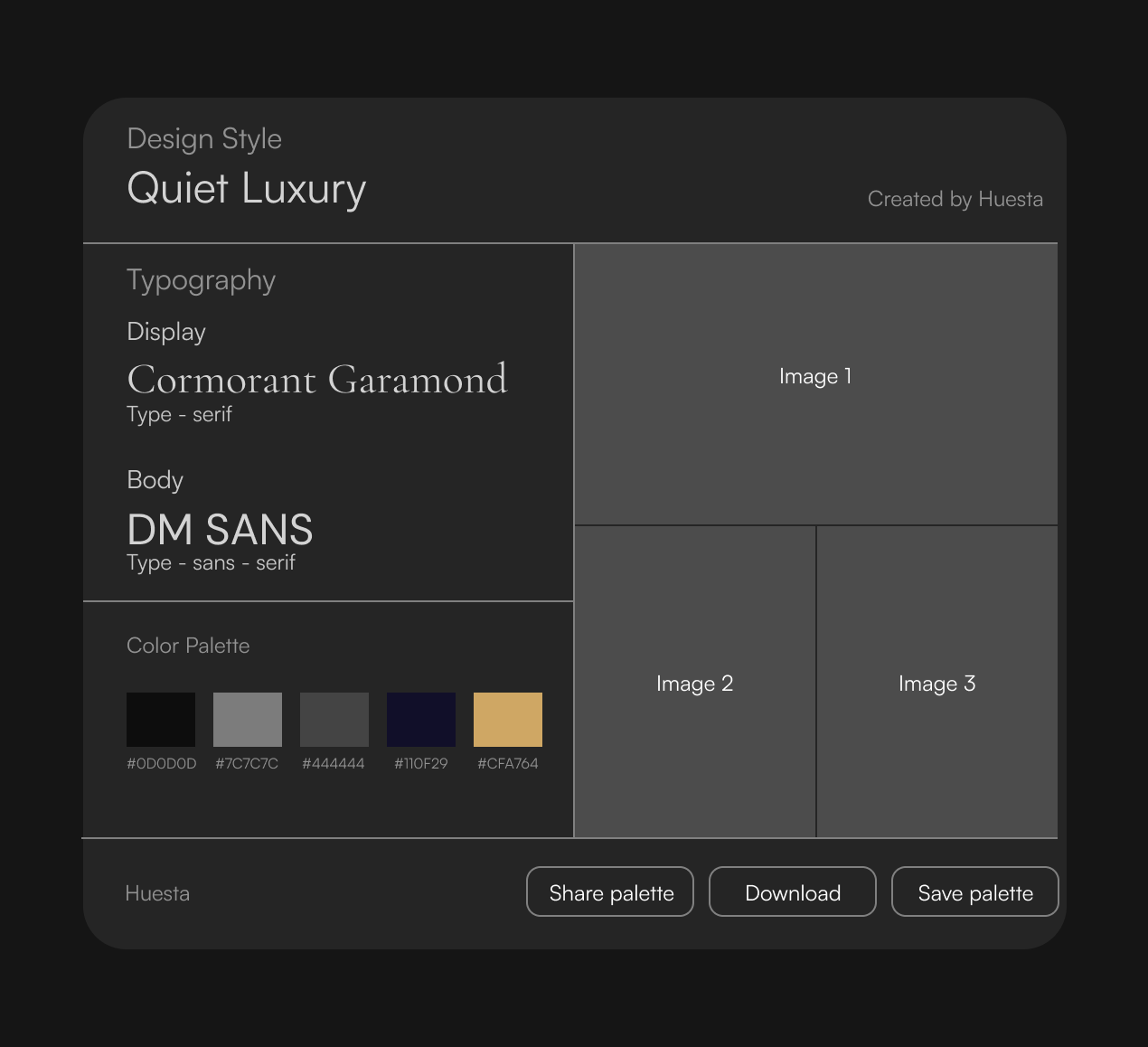
Layout 1
Dark & Minimal — tiles that are structured, dark background, typography forward. For the user who wants just wants inspiration without noise.
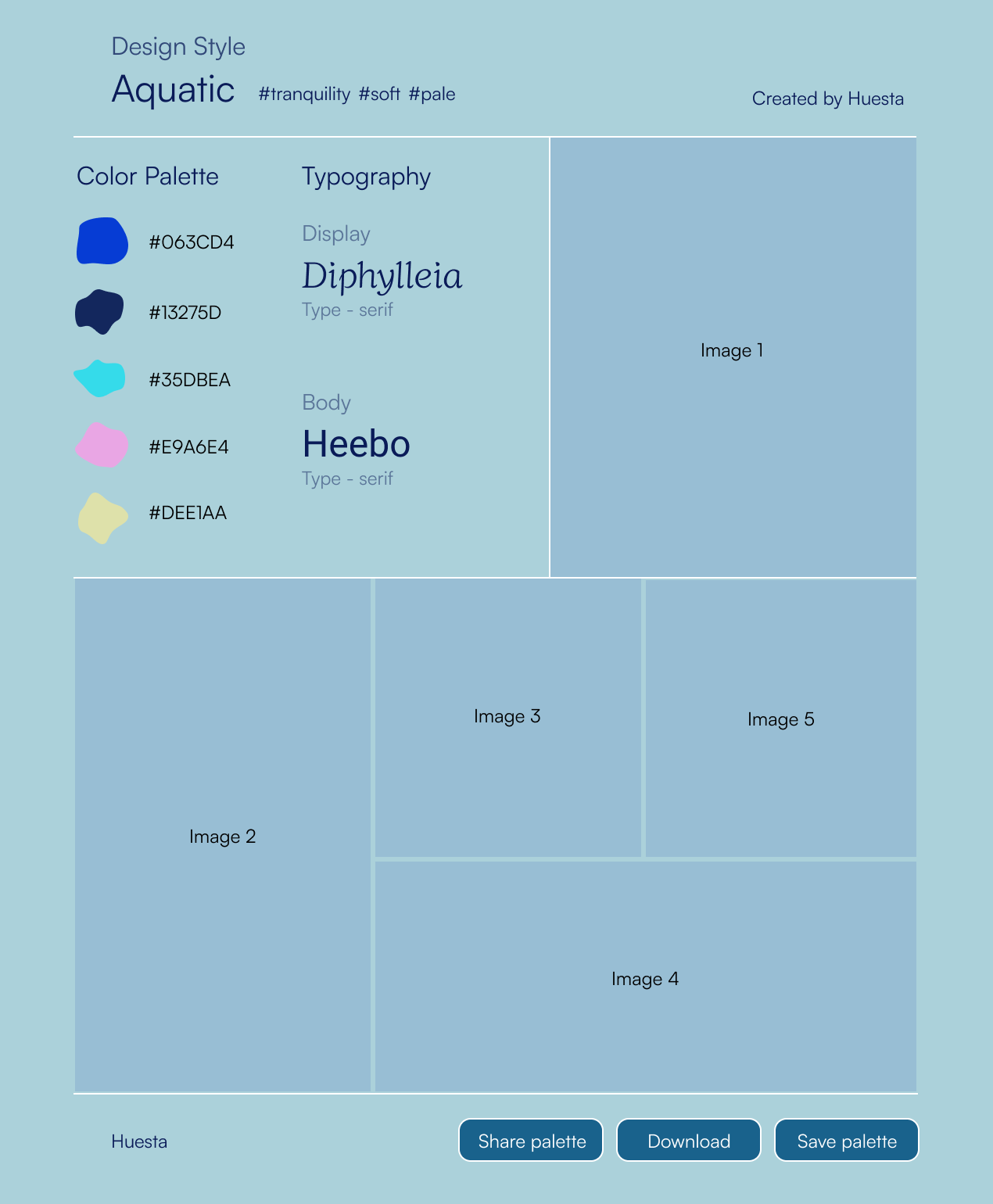
Layout 2
Expressive & Colorful — playful returns, aquatic and vibrant vibes. Mood images, dynamic compositions, organic color swatches. Something worth keeping closer to an art piece than a utility card.
How it works
A single API endpoint returns three external APIs working in concert.
01
Input
User types a keyword, describes a mood, or uploads a reference image.
02
Prompt
The input fires to the Claude API. It returns structured JSON such as colors, typography, layout direction.
03
Generate
Claude decides the fonts, a color palette, and selects images via Unsplash to bring the vibe to life.
04
Output
Layout is rendered and injected client-side based on the style. The user gets a shareable kit in seconds.
System Architecture
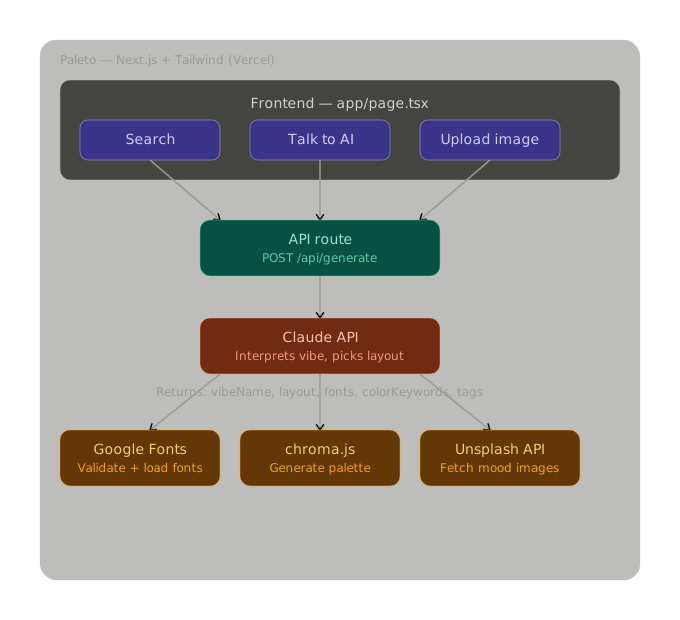
Selected Outputs
Search
Press Enter to generate your kit
tap to reveal →
Output Kit
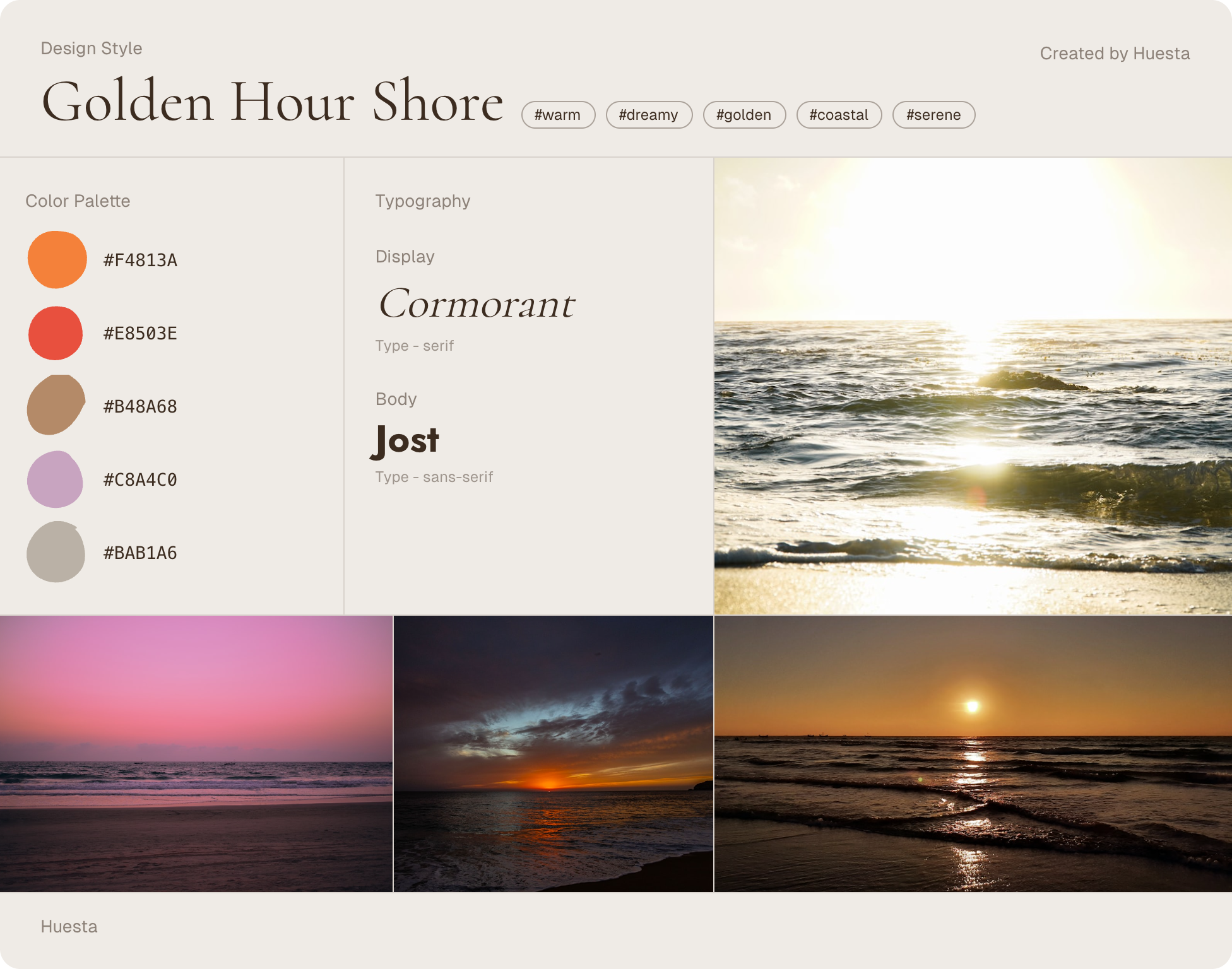
Search
Press Enter to generate your kit
Output Kit
Describe your vibe
morning breakfast with a beautiful view. The weather is warm and sunny
tap to reveal →
Output Kit
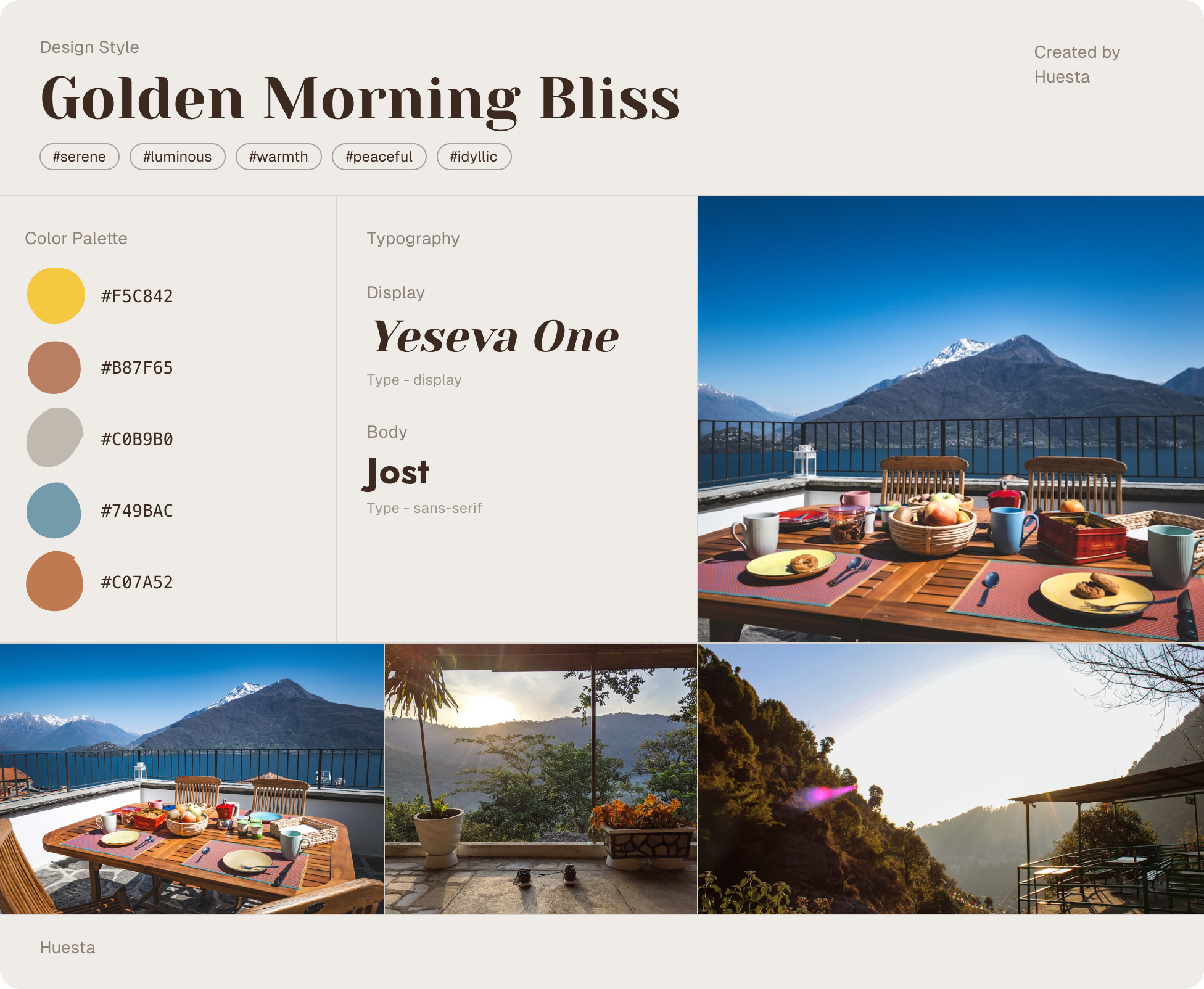
Describe your vibe
morning breakfast with a beautiful view. The weather is warm and sunny
Output Kit
Reference images
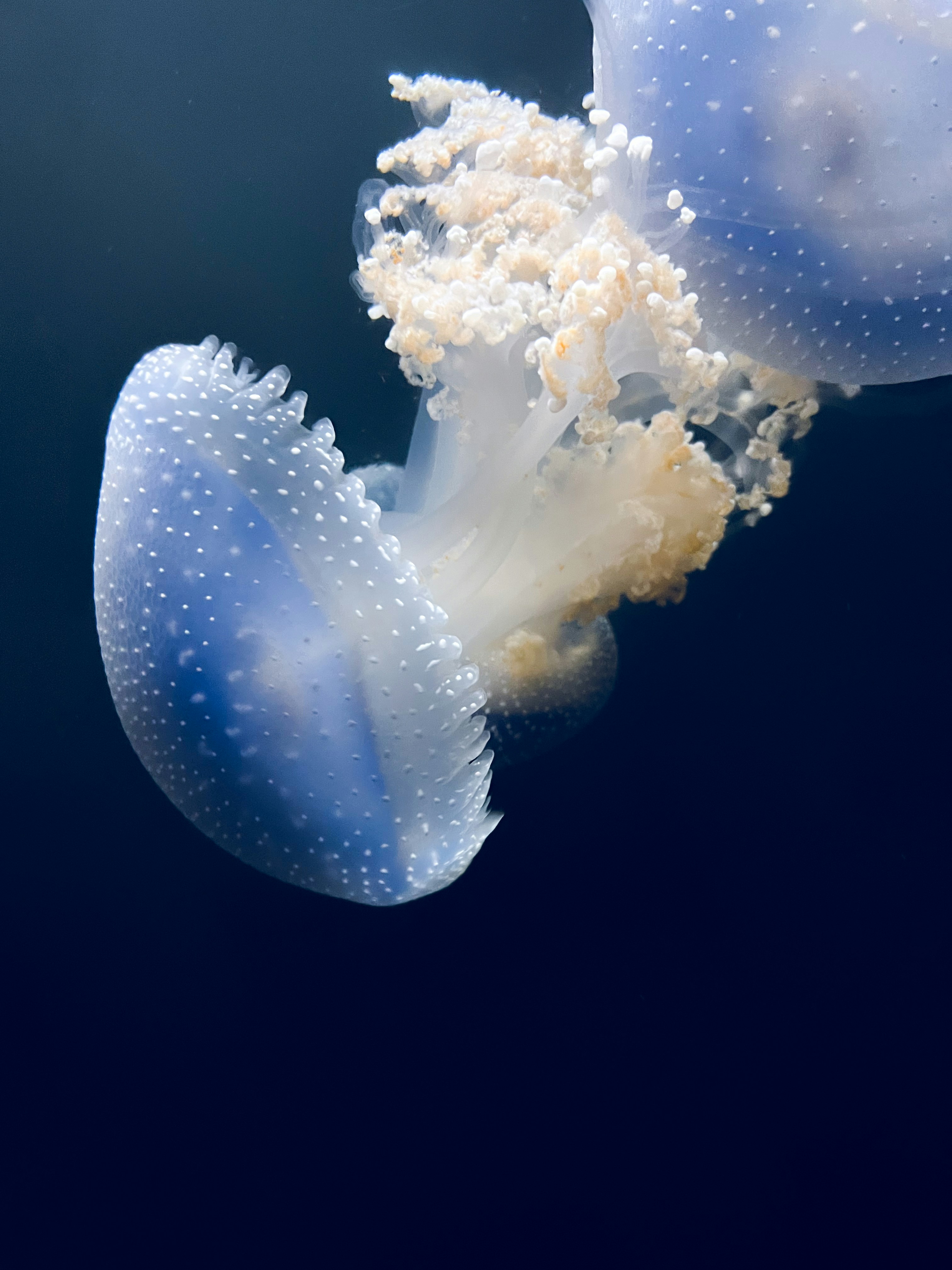
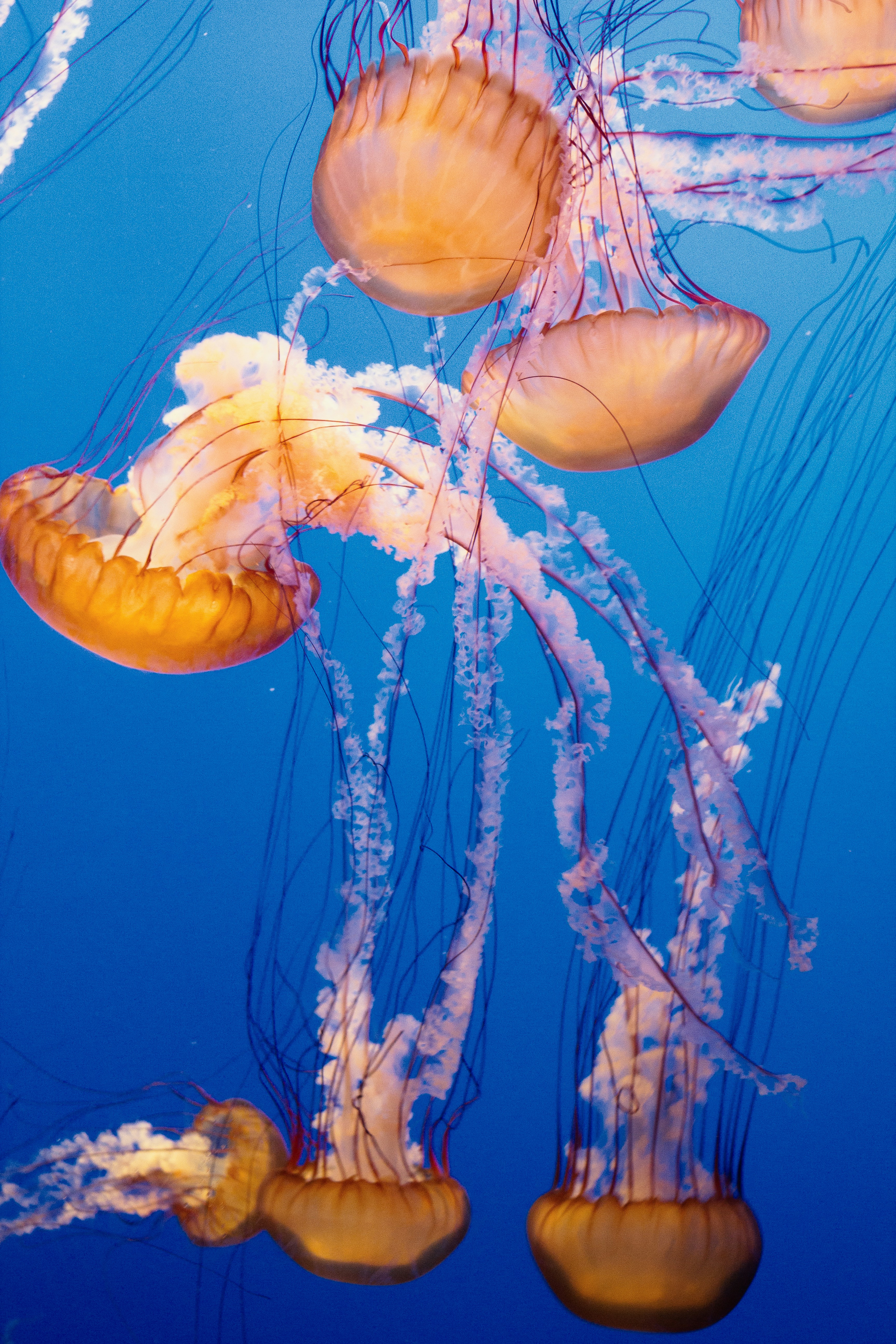
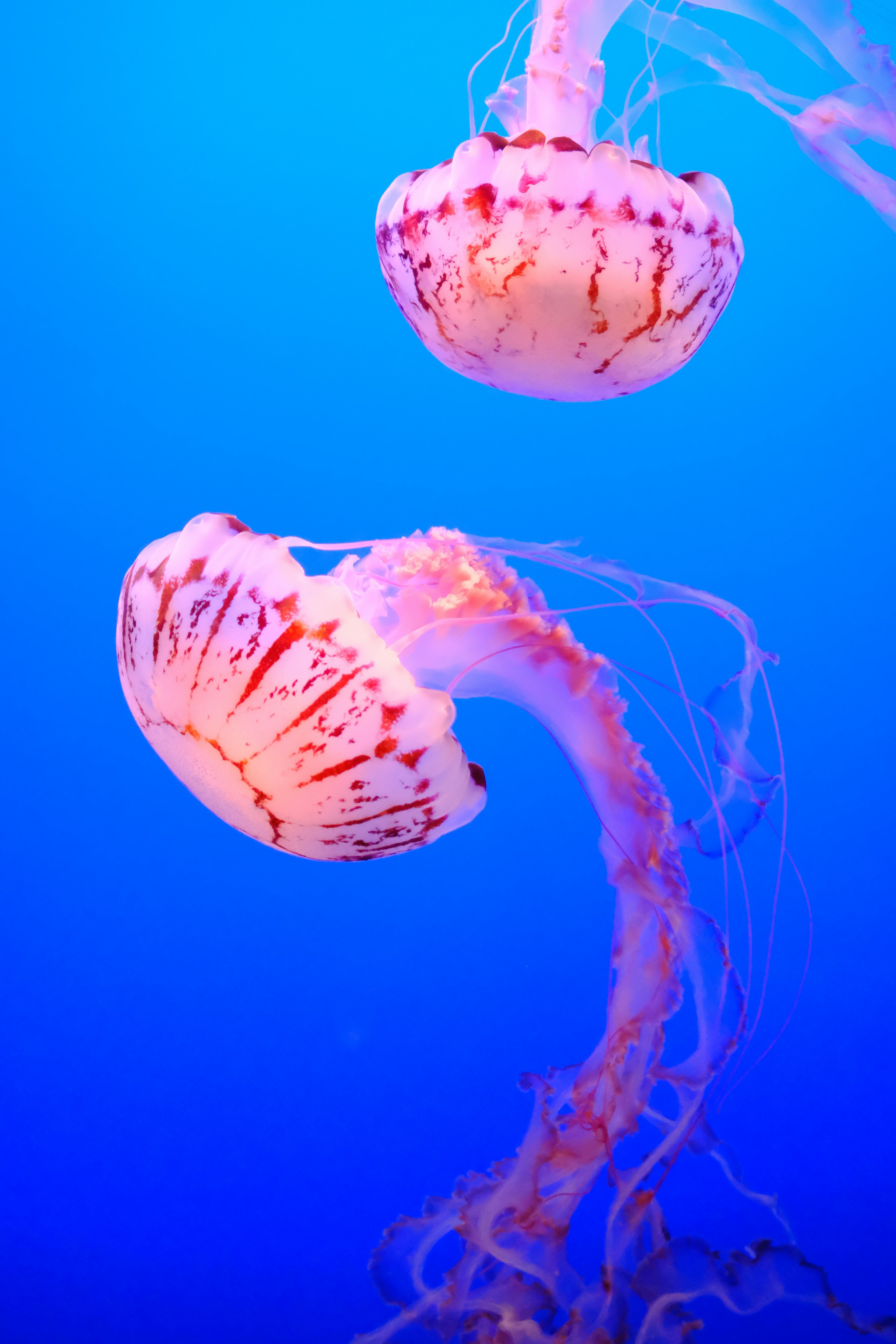
3 images uploaded · analysing palette
tap to reveal →
Generated Kit
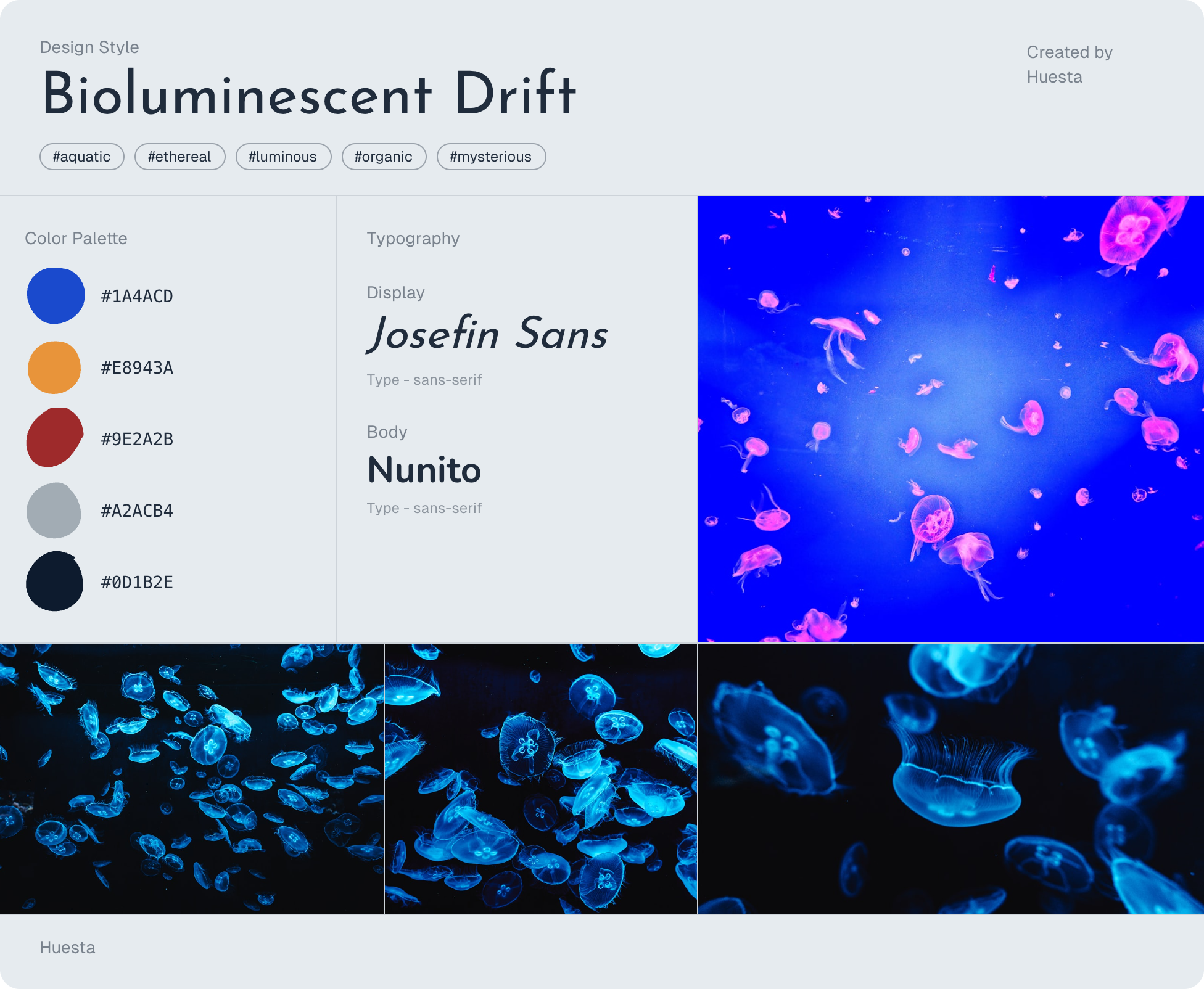
Reference images
3 images uploaded · analysing palette
Generated Kit
Try it live
Try Huesta
Type a vibe, a mood, an aesthetic. Claude picks the colours, fonts, and images.
How the Algorithm Works
01
Structured JSON as the contract
Claude doesn't return free-form text, it returns a strict JSON object every time. The prompt defines the exact shape: vibe name, hashtag array, layout decision, font pair, color keywords, and Unsplash search terms. This contract between the prompt and the frontend is what makes the output predictable and renderable. Getting Claude to respect this structure consistently required many iterations from small prompt changes would break the JSON format entirely.
02
Claude decides the layout
The prompt instructs Claude to assign either Layout 1 or Layout 2 based on the vibe. Dark, editorial, minimal, and luxury vibes get Layout 1. Playful, nature, colorful, and expressive vibes get Layout 2. This decision is baked into the prompt logic. Claude reads the mood it just interpreted and maps it to the right visual container. The result is an output that always feels coherent rather than a template the user had to pick themselves.
03
Color keywords, not hex codes
Early versions asked Claude to generate hex color codes directly. The results were inconsistent and often clashed badly. The fix was to ask Claude for descriptive color keywords instead, "deep navy", "warm sand", "burnt orange" and pass those to chroma.js which generates a harmonious 5-color palette. Separating the creative interpretation from the technical color generation made both better.
What's Next
Build Your Own
Users get a layout template and can swap in their own images, colors, and fonts. Structure without constraint.
More Layouts
Expanding beyond two templates to cover more aesthetic territories: editorial, maximalist, minimal grid, and more.
Saved Items
Optional accounts to build a personal library of design kits over time.
Profile Library
Share to communities like Dribbble, Twitter, Product Hunt. Getting real feedback from real users.
What I Learned
Huesta taught me a lot about AI product design. The hardest part wasn't the code it was actually prompt engineering. Getting Claude to consistently return accurate JSON with coherent font choices, color keywords, and the right layout direction required dozens of iterations. Small changes in phrasing produce wildly different outputs.